티스토리 뷰
로그인을 테스트해볼 수 있는 화면은 React 프로젝트로 만들어 보도록 하겠다
(npm, node.js는 설치되어 있다고 가정하고 진행한다)
1. 이를 위해 vite를 사용해 React 프로젝트부터 만들어보자
$npm create vite@latest front-oauth- 프로젝트명은 알기 쉽게 front-oauth라고 적어줬다
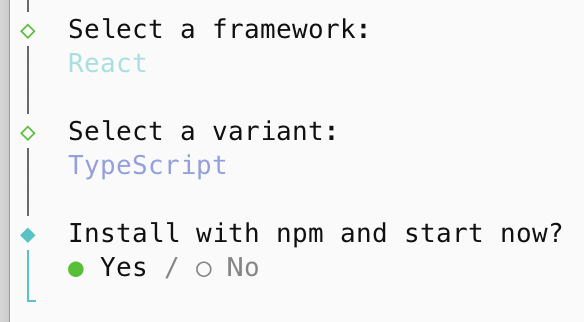
- 위의 명령어를 실행하면 framework 등 선택 화면이 나오는데 아래와 같이 선택했다
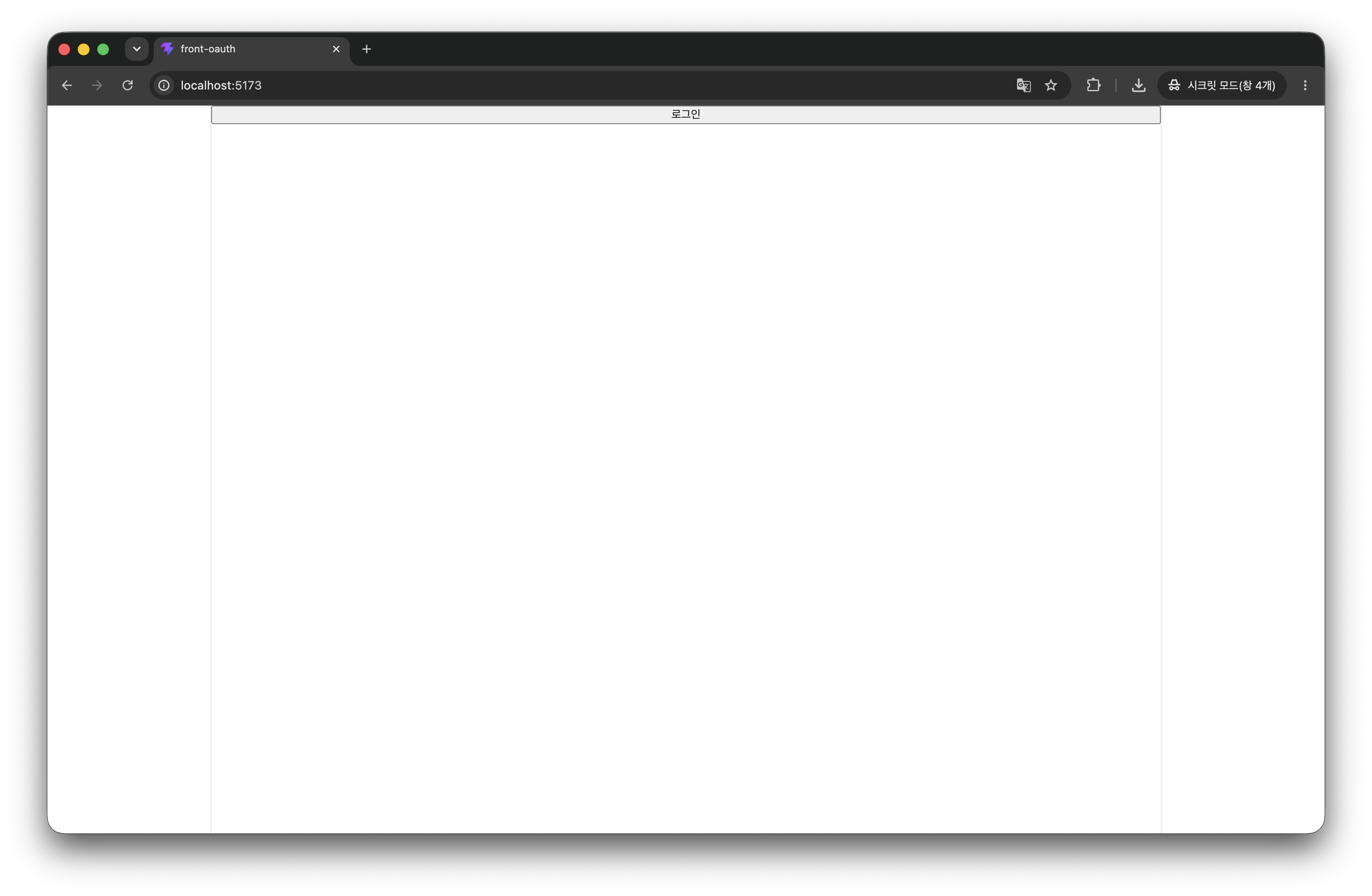
2. 위의 설치 과정이 끝난 후 localhost:5173으로 접속하면 아래와 같은 화면이 나오면 설치 과정이 정상적으로 완료된 것이다

2. 간단한 테스트를 위해 로그인 버튼만 존재하는 화면을 만들어보자.
function App() {

  return (
    <>
      <button>로그인</button>
    </>
  )
}

export default App- 기존 App 함수에 있는 내용과 import문을 전부 제거하고 버튼만 만들어줬다(화면이 마음에 안 들어도 넘어가자..)
3. 이제 버튼을 클릭하면 로그인이 되도록 API를 호출하는 기능을 넣어보자
단, 이 때 OAuth2 로그인은 API 호출이 아닌 웹페이지가 이동하도록 작동하기 때문에 axios 호출이 아닌 window.location.href로 이동한다
function App() {
  const LOGIN_URL =
  'http://localhost:8081/users/oauth2/login?state=http://localhost:5173';

  const login = () => {
    window.location.href = LOGIN_URL;
  };

  return (
    <>
      <button onClick={login}>로그인</button>
    </>
  )
}

export default App- 우리는 로그인을 클라이언트 서버를 통해서 진행하기 때문에 클라이언트 서버 주소인 localhost:8081로 이동하고 로그인이 완료된 뒤 현재 화면으로(localhost:5173)으로 돌아오기 위해 현재 주소를 state로 전달했다
4. 로그인이 완료되고 현재 화면으로 돌아와도 변한 것이 없기 때문에 알기 어렵다. 확인을 위해서 화면이 처음 렌더링 될 때 서버로 user 정보를 요청해서 user 정보가 있을 경우엔 user 정보를 보여주고 없을 경우에는 로그인 버튼을 보여주도록 코드를 변경해 보자
4-1. user 정보를 관리하기 위해 UserType을 만들자
export type UserType = {
  id: number,
  email: string,
  name: string
};
4-2. 서버에서 user 정보를 얻기 위해 서버 호출을 위한 axios 설치 및 api 호출 함수를 작성한다
$npm install axios@latest- axios 설치
import axios from "axios";
import type { UserType } from "./UserType";

const api = axios.create({
    baseURL: "http://localhost:8081", // user 서버
    withCredentials: true
});

export const getMeApi = async (): Promise<UserType> => {
  const response = await api.get<{body: UserType}>(`/users/me`);

  return response.data.body;
};- user 정보를 얻기 위한 api 함수 작성
- 앞에서 클라이언트 서버를 만들 때 토큰 정보를 쿠키로 저장했기 때문에 이를 위해 axios를 생성할 때 withCredentials 옵션을 true로 설정했다
4-3. 이제 화면이 처음 렌더링 될 때 앞에서 말한 작업을 하도록 App.tsx 파일을 수정해 보자
import { useEffect, useState } from "react";
import type { UserType } from "./UserType";
import { getMeApi } from "./LoginApi";

function App() {
  const LOGIN_URL =
  'http://localhost:8081/users/oauth2/login?state=http://localhost:5173';

  const login = () => {
    window.location.href = LOGIN_URL;
  };

  const [userInfo, setUserInfo] = useState<UserType>();

  useEffect(() => {
    getMeApi()
    .then(setUserInfo)
    .catch(e => {
      console.log("login fail ", e);
    });
  }, []);

  return (
    <>
    { userInfo ?
        `${userInfo.name}님 안녕하세요.`
      : <button onClick={login}>로그인</button>
    }
    </>
  )
}

export default App
이렇게 하면 리액트에서의 모든 작업은 완료됐다. 하지만 테스트해보면 계속해서 서버의 응답이 401로 에러가 발생하는 것을 볼 수 있다. 이건 Spring Security의 기본 동작이 access token을 Authorization 헤더에서 읽어서 처리하기 때문인데 이를 정상적으로 동작하게 하는 방법은 아래와 같다
- access token을 요청하는 API를 만들어서 리액트에서 요청 헤더 Authorization에 추가하거나
- 서버에서 쿠키에서 값을 읽어와서 처리하게 하면 된다
우리는 두 번째 방법인 서버가 쿠키에서 access token을 읽어서 처리하는 방법으로 해결해 보도록 하자
5. 서버가 쿠키에서 access token을 처리하게 하기 위해서 클라이언트 서버에 아래 코드를 추가
@Component
public class CookieBearerTokenResolver implements BearerTokenResolver {

    @Override
    public String resolve(HttpServletRequest request) {
        String cookies = request.getHeader(HttpHeaders.COOKIE);

        return cookies != null ? getCookieValue(cookies, "accessToken") : null;
    }

    private String getCookieValue(String cookies, String name) {
        return Arrays.stream(cookies.split(";"))
            .filter(cookie -> cookie.split("=")[0].trim().equals(name))
            .findFirst()
            .map(cookie -> cookie.split("=")[1].trim())
            .orElse(null);
    }
}- 쿠키에서 토큰을 읽어와 처리하는 빈을 정의
private final BearerTokenResolver cookieBearerTokenResolver;

@Bean
public SecurityFilterChain filterChain(HttpSecurity http) throws Exception {
    http.csrf(AbstractHttpConfigurer::disable)
    	// 생략...
        .oauth2ResourceServer(oauth2 ->
            oauth2
                .jwt(jwt -> jwt.decoder(jwtDecoder)
                    .jwtAuthenticationConverter(customJwtAuthenticationConverter)
                )
                .bearerTokenResolver(cookieBearerTokenResolver)
        );

    return http.build();
}- SecurityFilter의 리소스서버 정의 부분에 BearerTokenResolver를 등록해 줬다
이제 서버까지 모든 작업이 완료됐다.
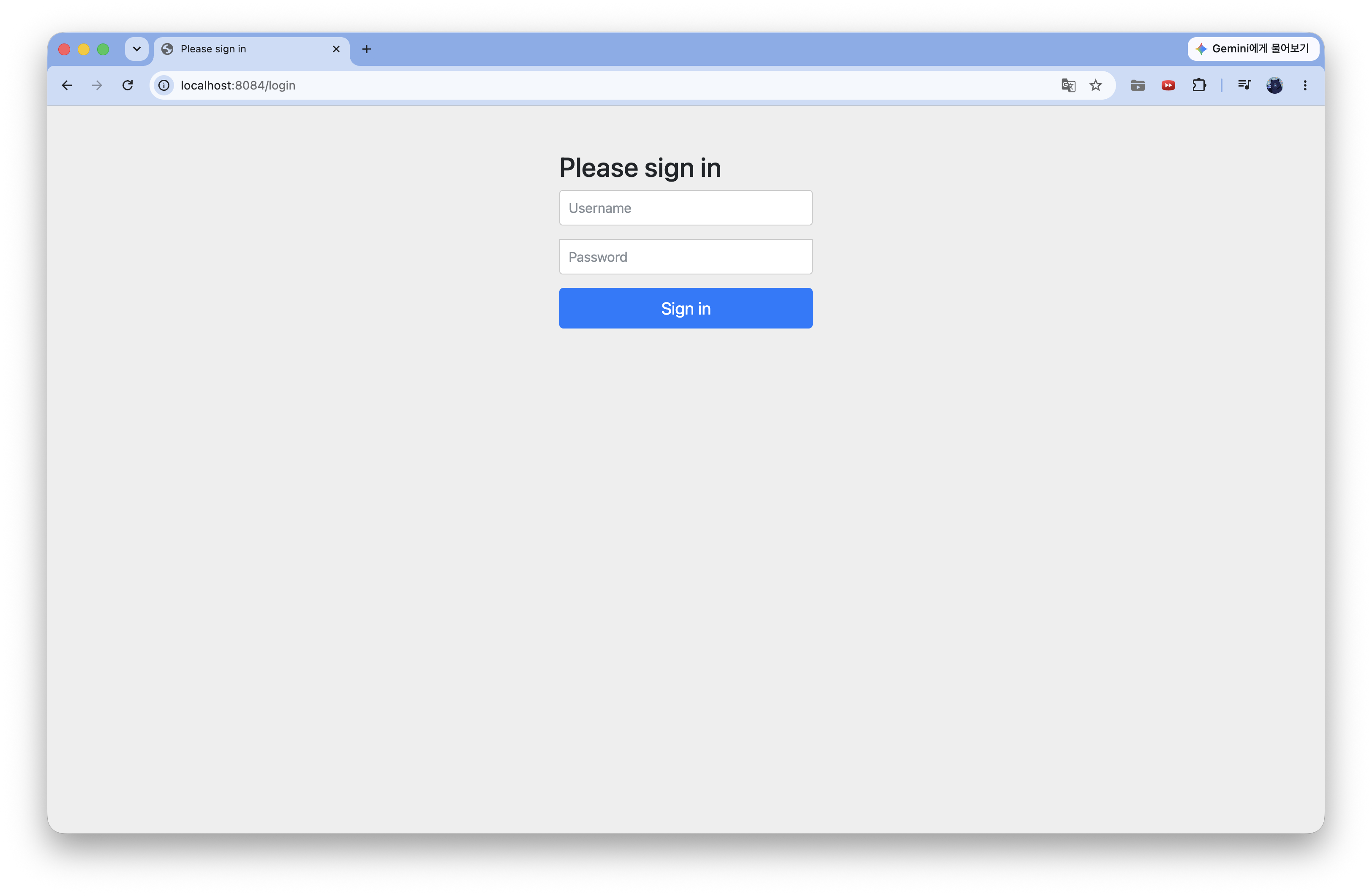
테스트를 해보면 먼저 권한서버에 로그인을 요청하는 화면이 나온다
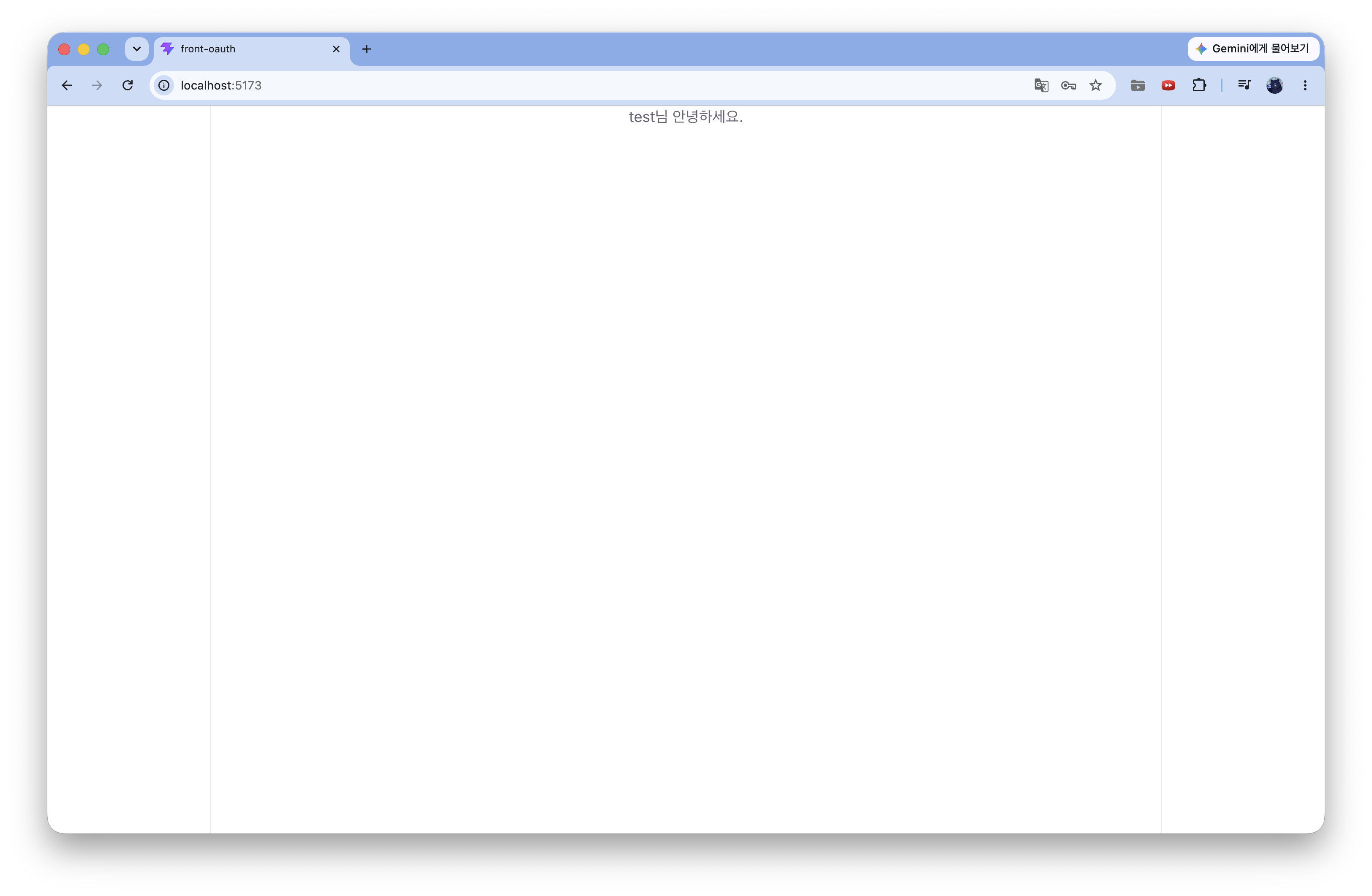
로그인을 완료하면 처음 접속했던 프론트 화면(localhost:5173)에 로그인 버튼이 아닌 user의 이름이 나오는 것을 볼 수 있다
이로써 SpringSecurity로 OAuth2 인증서버 만들기 작업이 완료됐다!
1. SpringSecurity로 OAuth2 인증서버 만들기 - 1 (권한서버 만들기)
2. SpringSecurity로 OAuth2 인증서버 만들기 - 2 (클라이언트서버 만들기)
3. SpringSecurity로 OAuth2 인증서버 만들기 - 3 (리소스서버 만들기)
4. SpringSecurity로 OAuth2 인증서버 만들기 - 4 (JWT payload 커스텀)
5. SpringSecurity로 OAuth2 인증서버 만들기 - 5 (Frontend) End.
'Spring > Security' 카테고리의 다른 글
| SpringSecurity로 OAuth2 인증서버 만들기 - 4 (JWT payload 커스텀) (0) | 2026.06.11 |
|---|---|
| SpringSecurity로 OAuth2 인증서버 만들기 - 3 (리소스서버 만들기) (0) | 2026.06.05 |
| SpringSecurity로 OAuth2 인증서버 만들기 - 2 (클라이언트서버 만들기) (0) | 2026.05.28 |
| SpringSecurity로 OAuth2 인증서버 만들기 - 1 (권한서버 만들기) (0) | 2026.05.23 |
| [Security] hasIpAddress 사용하기 (0) | 2024.03.09 |
- Total
- Today
- Yesterday